





Area Counting
Area Counting is used to keep a record of how many people are in a particular area. The system can then use this information to respond when the area becomes full or empty. Typically, this is used to prevent too many people accessing a restricted area, or to automatically arm an intruder detection area when the last person leaves.
Carparks
Car parking buildings often have restricted areas that have limited parking spaces available. Use Area Counting to prevent too many cars entering the area and to automatically illuminate a 'Car Park Full' sign.

Secure Vault
The financial sector often has strict protocols for entering high security areas, such as secure vaults. Use Area Counting to monitor when a secure vault is occupied to prevent others from entering.
Corporate Offices
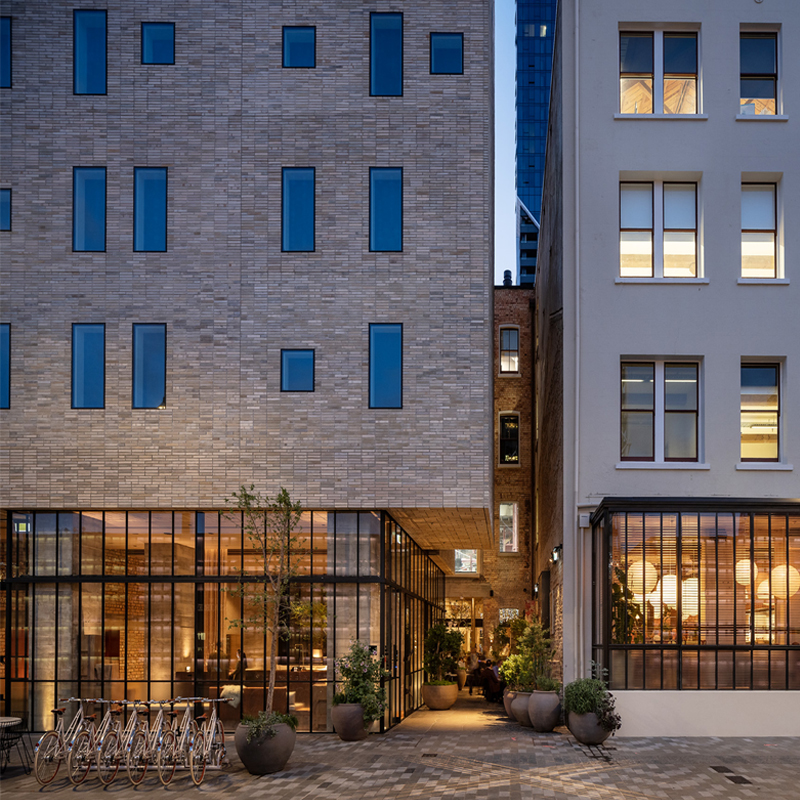
In corporate office environments, it is not practical for users to know or check whether they are the last one out of the building. Use Area Counting to monitor when the last person is leaving. Automatically arm the intruder detection system and save energy by turning off lighting and HVAC.
How it works
Area counting relies on having both entry and exit readers on all access points to a particular area. As a user enters the area, the count is increased by one. When a user leaves the area, the count is decreased by one. Arming the area at zero count, setting the maximum user count and selecting an output or group of outputs to trigger when the area is full are all configurable items.
Because of the ability of Protege hardware to support Multiplexed Wiegand readers and Multi-drop RS-485 Readers, the additional cost of entry and exit readers is kept to a minimum as each door only requires a single reader port, even if entry and exit readers are used.
For high accuracy, Area Counting should be used in conjunction with Anti-passback. Without Anti-passback, a user badging their card twice at an entry point will result in the area count being increased by two.
Frequently Asked Questions
What is Area Counting?
Area Counting is an ICT Protege feature that keeps a record of how many people are in a particular area. The system uses this count to respond when the area becomes full or empty, such as preventing too many users from entering a restricted area or automatically arming an intruder detection area when the last person leaves.
How does Area Counting work?
Area Counting relies on having both entry and exit readers on all access points to a particular area. When a user enters, the count is increased by one. When a user leaves, the count is decreased by one. Configurable options include arming the area at zero count, setting a maximum user count, and triggering an output or group of outputs when the area is full.
Because Protege hardware supports Multiplexed Wiegand and Multi-drop RS-485 readers, the additional hardware cost of entry and exit readers stays minimal: each door only requires a single reader port even when both directions are used.
What are common use cases for Area Counting?
Carparks: use Area Counting to prevent too many cars entering a restricted parking area and to automatically illuminate a Car Park Full sign.
Secure vaults: monitor when a vault is occupied to prevent others from entering, supporting strict protocols in the financial sector.
Corporate offices: monitor when the last person leaves the building, then automatically arm the intruder detection system and turn off lighting and HVAC to save energy.
Does Area Counting need any other features to work accurately?
For high accuracy, Area Counting should be used in conjunction with Anti-Passback. Without Anti-Passback, a user badging their card twice at an entry point will increment the area count by two, throwing off the running total.
Which ICT products support Area Counting?
Area Counting is configured in both Protege GX and Protege WX, with entry and exit readers on every door into the counted area. It pairs naturally with Anti-Passback for credential-level accuracy.